Next.js vs WordPress for a Small Brand Site

I build sites for a living, and I get this question almost every week. Someone runs a small business, they need a website, and a friend told them WordPress. Then a different friend told them Next.js. Now they are stuck.
So let me be straight with you. Neither one is wrong. They solve slightly different problems, and the right pick depends on how you actually run your business, not on which one a developer likes to argue about online.
Quick jargon check before we start. WordPress is a content system you log into with a browser, edit pages in a visual editor, and hit publish. Next.js is a framework for building fast custom sites in code, usually put together by a developer and then handed to you.
That difference is the whole story, so keep it in mind.
Who each one is actually for
WordPress earns its reputation on one thing: publishing. If your site lives or dies on regular writing, a busy blog, a news feed, a recipe archive, a shop with a non-technical person adding products every week, WordPress is genuinely a good answer. You log in, you type, you publish. No developer in the loop for day to day changes. That is worth a lot.
It is also everywhere, which means cheap hosting, a huge plugin library, and any freelancer on earth can pick up where the last one left off.
Next.js is for when the site itself is the product. A brand page that has to load fast and feel sharp, a landing page you want to convert, a marketing site where the design is the whole point and it changes maybe once a month, not every day. You get tight control over speed, layout, and how the thing behaves. The tradeoff is that most edits go through a developer or a connected tool, not a login-and-type dashboard.
Here is the honest split for a small brand:
- Publish new written content most weeks, and you want to do it yourself: WordPress leans ahead.
- Mostly a fixed set of pages (home, about, services, contact) that you want fast and polished: Next.js leans ahead.
Most small brands I talk to are actually in that second bucket and do not realize it.
Editing, speed, and the stuff you feel later
Editing is where WordPress feels friendly on day one. You get a dashboard, buttons, a preview. Anyone can learn it in an afternoon. That is real, and I will not pretend otherwise.

The catch is that the same flexibility invites clutter. Page builders stack plugin on plugin, and six months later the site loads slowly and nobody is sure which plugin does what. It still works. It just gets heavier.
Next.js flips the feeling. Editing content is less casual, you often need a small connected editor or a quick developer change, but the site itself is fast by default. Pages are usually built ahead of time and served as ready files, so visitors get near instant loads. On phones, on slower connections, that gap shows up in real numbers.
Speed is not vanity. A site that loads a second quicker holds more of the people who clicked. For a small brand paying for ads or fighting for every lead, that matters more than most owners expect.
If you are still weighing whether to build from scratch at all, I wrote a companion piece on that: template vs custom build. It pairs well with this one.
Security, maintenance, and cost over the years
This is the part people forget when they compare a one-time price.
WordPress is the most attacked platform on the web, simply because it runs so much of it. That does not make it unsafe, but it does mean upkeep. Core updates, plugin updates, the occasional plugin that breaks another one, backups, and a security layer so bots do not have a field day. If you keep up with it, you are fine. If you ignore it for a year, that is usually when something goes wrong.
Next.js has a smaller maintenance surface. A statically built brand site can be served with almost nothing to hack, because there is no live database or admin login sitting on the public internet waiting to be poked. Fewer moving parts, fewer things to patch.
Cost over time follows from all this. WordPress often looks cheaper up front and carries a quiet ongoing cost: hosting, plugin licenses, and someone's time keeping it healthy. Next.js can cost a bit more to build well, then runs cheap and quiet, sometimes on free-tier hosting for a small site. I am not going to quote figures here because every project differs. If you want a real number for your case, tell us what you need on our booking page and we will price it honestly.
The headless thing you probably do not need
One more, because a developer might try to sell you on it.
"Headless" means using WordPress only as the place you type content, while a separate Next.js front end displays it. You get the friendly editor plus the fast front end. Best of both, right?
Sometimes. For a large publisher with editors filing all day, it is a reasonable setup.
For a small brand with a handful of pages, it is usually overkill. You are now paying to build and maintain two systems instead of one, and both can break independently. Most small sites do not publish often enough to justify that. If someone pitches you headless for a five page brand site, ask them to explain, in plain words, what problem it solves for you specifically. If the answer is fuzzy, you have your answer.
So which one
If you publish written content constantly and want full self-serve control, go WordPress and commit to the upkeep.
If your site is mostly a polished, fixed set of pages and you care about speed, conversions, and low maintenance, go Next.js. That covers a lot of small brands.
And if you are somewhere in the middle, that is fine, it is a conversation, not a religion. We build on both, plus Astro, Nuxt, Shopify, and more, and we will point you to whichever actually fits. Browse ready-made options in the store, or see the full range on our stacks and technologies page. Pick the tool that fits how you work, not the one with the loudest fans.
Ready when you are.
See our stacks and templatesGet the next one in your inbox
Occasional, practical notes on building sites that sell. No spam, unsubscribe anytime.
Keep reading
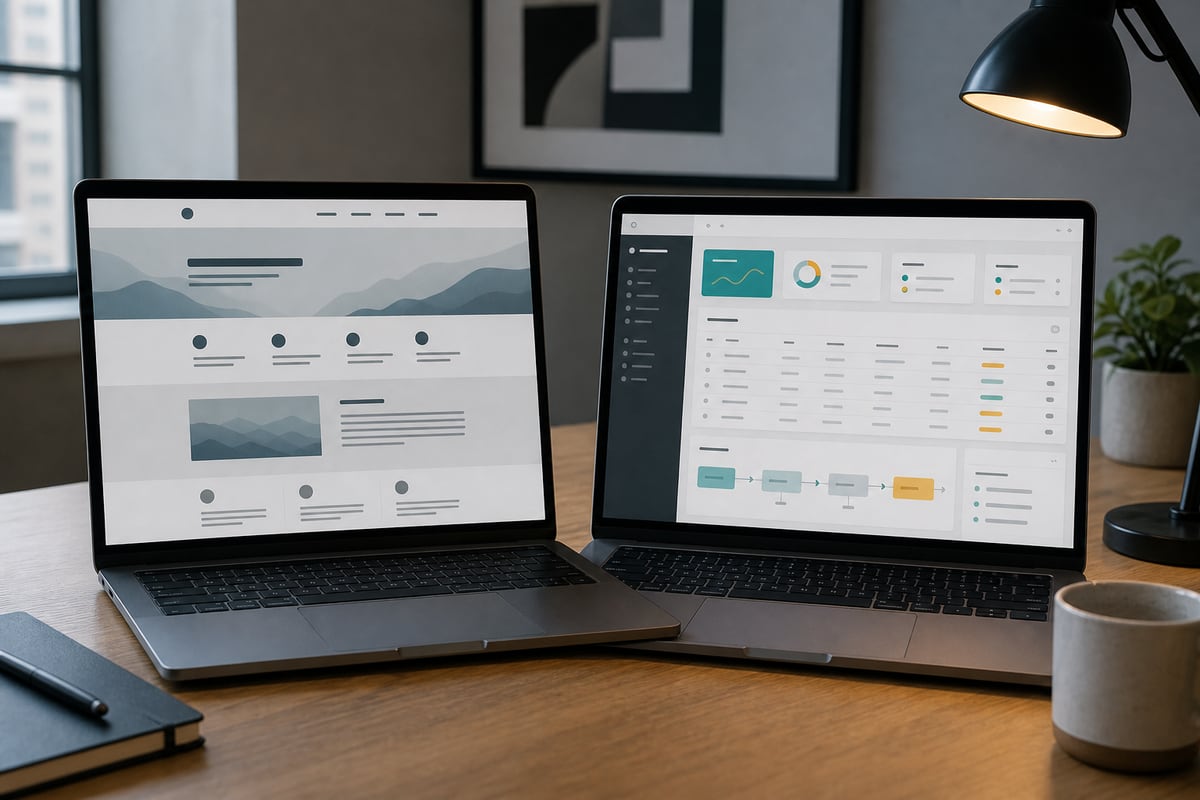
Website or Web App: What Does Your Business Actually Need?
A plain-English way to decide whether you need a marketing website, a working web application, or a smaller hybrid of the two.
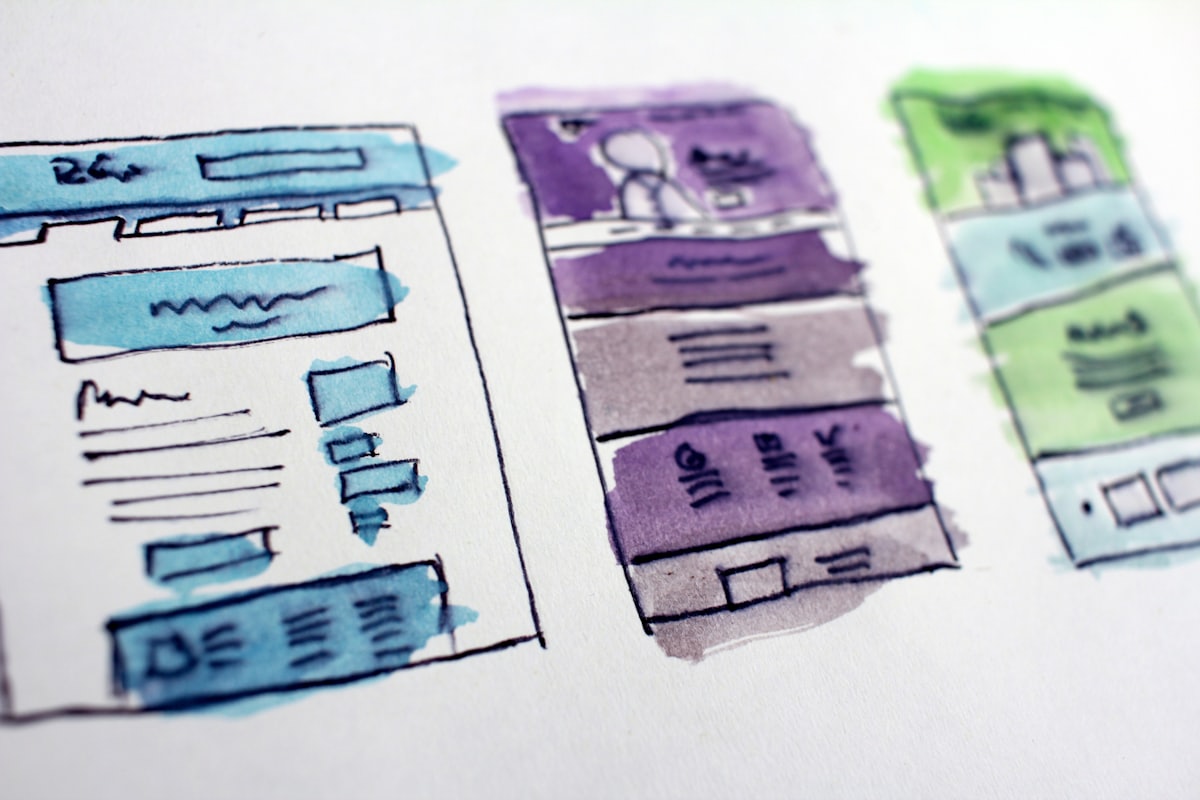
Premade Template vs Custom Build: Which Is Right for You
A template covers about 80 percent of small businesses. Here is a simple rule for knowing when you are in the other 20 percent and should build custom instead.